
For families and carers
Know that all is well, without watching.
Élise is a small box you set up in the home of someone who lives alone. Discreet sensors notice everyday moments: getting up, opening the fridge, popping out to the shops. You are told only when something is out of the ordinary.
A real home, frozen on a Tuesday morning. No sign-up.
- No camera needed
- Everything stays at home
- Free, no subscription
At Michel’s
On Paul’s phone
- Up
- Breakfast
- Out to the shops
- Back home
01How it works
Three steps, nothing to learn.
The person being looked after has nothing to wear, nothing to charge and no button to press.
- 1
A few small sensors go in
On the front door, the fridge, under the mattress. They are small, most run on batteries, and they film nothing.
- 2
Élise learns the routine
A small box plugged in at home gradually understands the rhythm of the day. It takes about two weeks.
- 3
You hear when it matters
On your phone, you can see whether the day is going as usual. A message lets you know only when something is out of the ordinary.
02What Élise sees
Small signs, never pictures.
Each sensor only says what just happened: a door opens, someone walks through the living room. Watch a day go by, or tap a sensor to see what it sends.
An imaginary day, as an example.
What Élise receives
Front door
Nothing yet
closed
Sent
- what happened
- the time
Never sent
- no pictures
- no sound
- no conversations
The day
- —
03Daily markers
Six markers, one glance.
On the home screen of the family space, Élise sums up the moments that matter in a day. No complicated charts: one simple sentence per marker.
Front door
Open or closed, right now. To know whether your relative has gone out, or the door was left open.
Fridge
How many times it was opened today. A fridge being opened often means a meal being made.
Toilet
The number of visits today, with no other detail.
Shower
Whether a shower was taken, when it ended and how long it lasted.
Bedtime last night
When your relative went to bed the night before.
Wake-up today
When they got up this morning. A wake-up much later than usual can be a good reason to call.
Each marker depends on the sensor installed in that room.
04Discover
A screen for the family, the TV for your relative.
Relatives follow the day on their phone or computer. At home, the TV becomes a simple screen for staying in touch.
The day, at a glance.
Getting up, shower, meals, outings: Élise sums up the day in a few words. Check it whenever you like, on a computer or in the mobile app.
- A simple summary of the day
- A message only when something is out of the ordinary
- A shared notebook for visits and appointments
Every sensor answers a question.
Has the fridge been opened? Is Mum up yet? You start from what you want to know, room by room, and Élise tells you which sensor to use and where.
- Rooms and sensors on a single screen
- Guided set-up in three steps
- Nothing is used without your consent
The TV becomes a link.
The box plugs into the TV and turns it on by itself. The family can show a short note, the weather, the next appointment, photos or a radio station. An approved relative can even make a video call, with nobody needing to pick up.
- No remote to hunt for
- Messages and photos sent by the family
- Video calls, only with chosen relatives
05Video calls
A video call, without touching a thing.
For many older people, answering a video call is hard: finding the phone, the right button, holding the screen. With Élise, the call comes straight to the TV. Your relative only has to look and talk.
Paul is calling you
The call opens in 5 s
Call in progress · 00:00
- 1
You call
From the family space, on your phone or computer.
- 2
The TV turns itself on
Even in standby, Élise turns it on and switches to the right screen.
- 3
A calm screen announces the call
Your name shows in large letters for five seconds, with a gentle melody that rises slowly, so nobody is startled.
- 4
The call opens, that’s all
Your relative sees and hears you on the TV, without picking anything up. Afterwards, the TV goes back to its usual screen.
Only chosen relatives
The family decides who can call directly.
With the resident’s consent
Automatic answer is only turned on if they agree. Otherwise, the call waits for them to accept with a single button.
Nothing is recorded
No call is kept, neither picture nor sound.
Even without a camera
Without a camera at your relative’s home, they still see and hear you.
This feature is ready in the software. It will be tested with families during the first pilot.
06Our commitments
Looking out, not looking in.
No camera needed
Élise works with simple sensors. If you add a camera, its pictures are never used to analyse the day.
Everything stays at home
Information stays in the box, at your relative’s home. There is no Élise server anywhere else.
Only chosen relatives
To check Élise remotely, you must be invited by the family. Nothing is published on the Internet.
No false alarms
A faulty sensor is reported as a fault. Élise never concludes that something serious is happening without a reason.
Nothing without your consent
New versions are offered, never forced. If something goes wrong, the previous version comes back by itself.
A helping hand, not a carer
Élise helps you know when to get in touch. It does not replace a personal alarm, emergency services or a visit.
07What you need
A small box, a few sensors.
The hardware is sold online or in electronics shops. Think of a small box, placed near the Internet router or behind the TV.
A mini-computer
A Raspberry Pi 4 with 8 GB of memory (or a Pi 5), and its memory card.
A radio stick
A small USB stick (Zigbee) that talks to the sensors. Élise recognises it by itself.
Sensors
Depending on what you want to know: door, fridge, bed, movement, temperature.
The TV
Optional: to show messages, photos and calls at your relative’s home.
The planned sensors
These models have been chosen and documented. They are being tested: the first pilot with families will validate them.
 Presence
Smart Presence Sensor R3
Third Reality
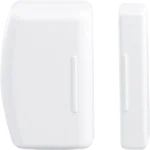 Doors and fridge
Door & Window Sensor
Third Reality
 Presence
Motion Sensor
Third Reality
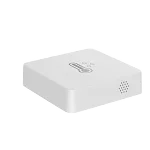 Temperature
 & Humidity Sensor Lite
Third Reality
 Safety
Water Leak Sensor
Third Reality
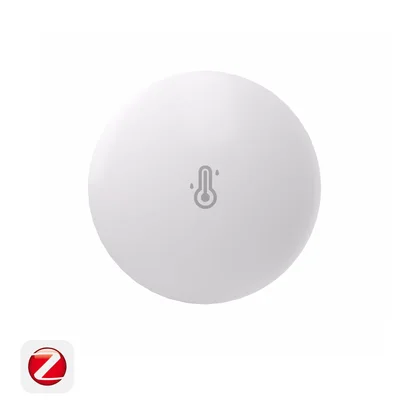 Temperature
 and humidity sensor
SONOFF
 Electricity
Smart Plug E2 EU with Power Monitoring
Third Reality
 Safety
Zigbee Smart Button
Third Reality
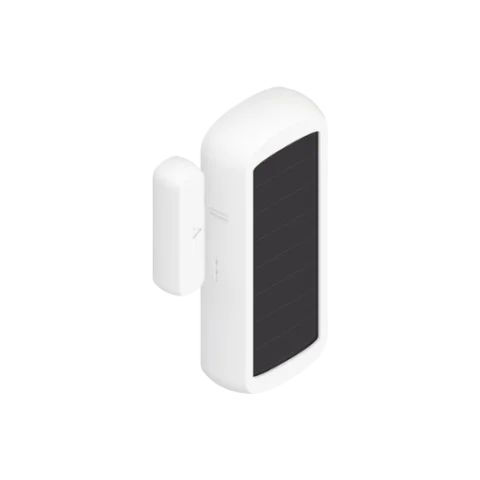 Doors and fridge
Zigbee Door and Window Sensor
NodOn
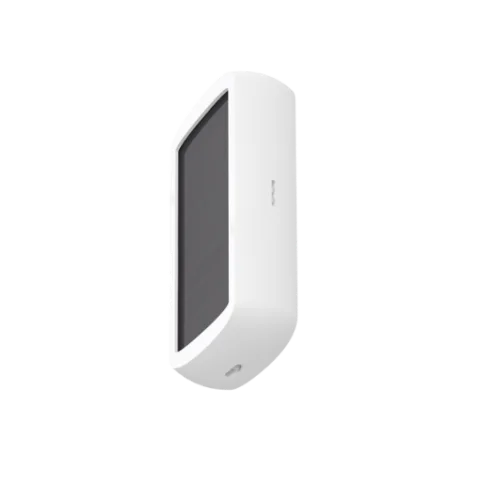
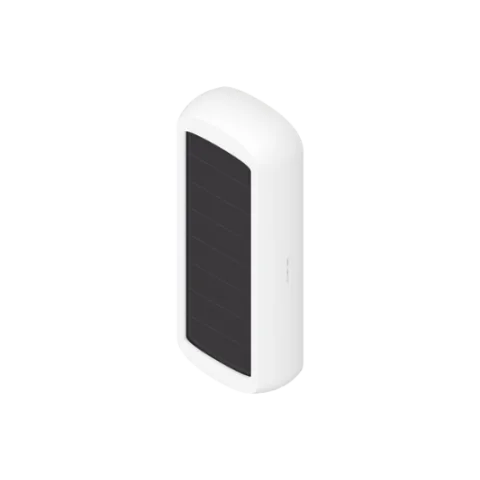 Temperature
Zigbee Temperature and Humidity Sensor
NodOn
 Doors and fridge
Zigbee Dry Contact Sensor
NodOn
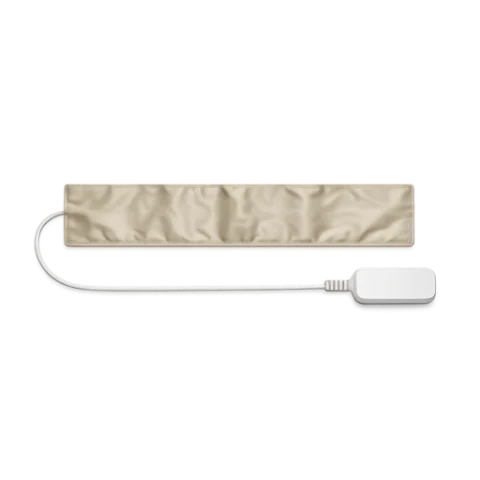 Presence
Bed occupancy pressure strip
Tuya
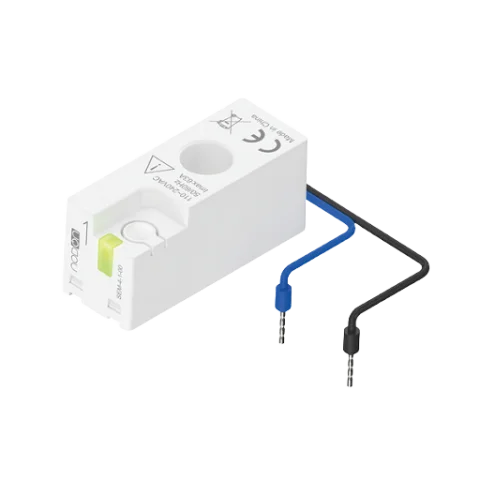 Electricity
Zigbee Smart Energy Monitor
NodOn
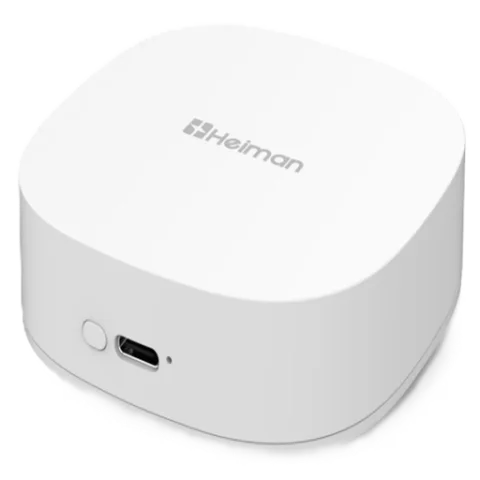 Safety
Zigbee Fall Detection Sensor
Heiman
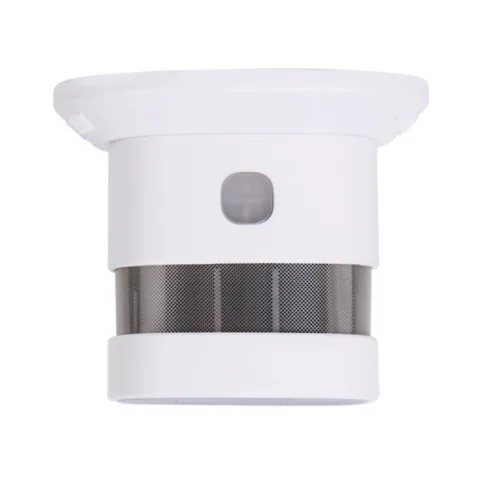 Safety
Smart Zigbee smoke detector
Heiman
08Install
Install Élise, your way.
Élise is in its testing phase. It is made to be tried out as a family, ideally with someone comfortable with computers. It does not replace a personal alarm.
A guide made for you
A few simple questions about your hardware and what you would like to know. You get:
- the hardware to plan for, nothing more;
- the sensors suited to the home, room by room;
- a step-by-step tutorial, written for your situation.
Or start with your machine
- Raspberry PiThe simplest
- Ubuntu mini PCA single command
- NAS or DockerThe Élise core
- Nothing yetWe tell you what to buy
Already comfortable?Download directlyInstall with a coding agent
Supporting the project




- NodOnLead partner
French company NodOn designs sensors and actuators for connected buildings, with a focus on energy efficiency.
- ThirdRealityHardware partner
ThirdReality develops smart home equipment including sensors, plugs, switches and lighting, with Zigbee and Matter products.
- SMLIGHTHardware partner
SMLIGHT develops smart home hubs and adapters, including the SLZB range for Zigbee networks and Home Assistant installations.
- Life PlusResident guidance and privacy
Life Plus brings guidance on autonomy, care and resident privacy, helping technology stay discreet and chosen by the person it supports.
09The project
Free software, built with families.
Élise is developed in France by Paul Breton. It is free and open-source software: anyone can install it, and check what it does.
Partner hardware has arrived and testing has begun. The first pilot is being prepared with families.